
Home › How long should my laptop last?
How long should my laptop last?

GEEX
•
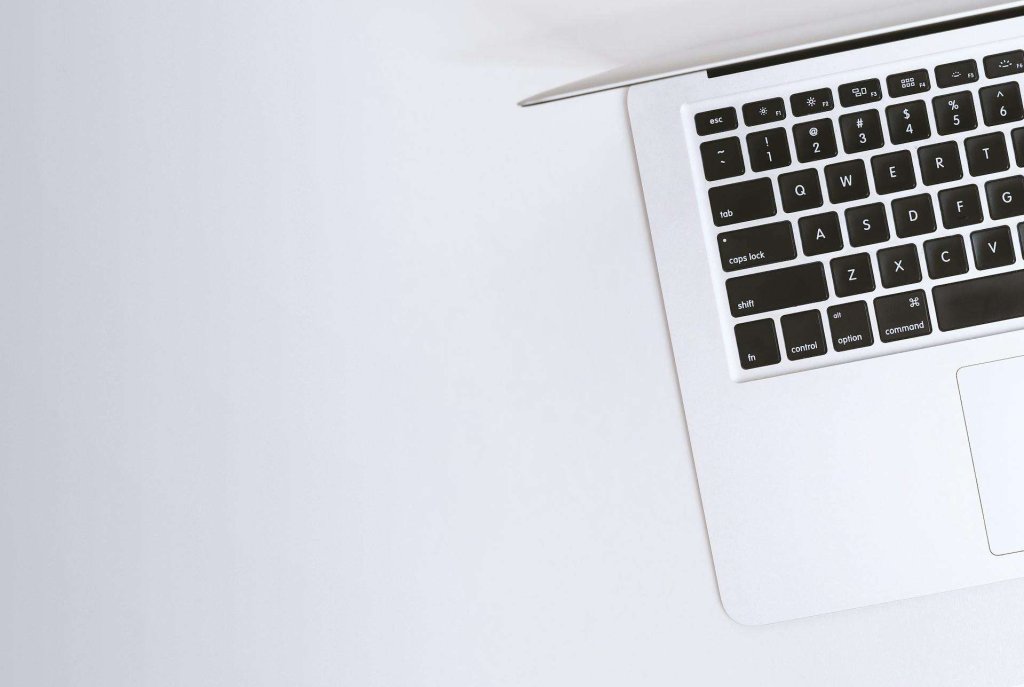
You know how your laptop starts to get slower and slower over time? And how the battery doesn’t last as long as it used to? Well, that’s because laptops have a limited lifespan. They can’t keep up with the latest software and hardware forever. So how long can you expect your laptop to last before you need to get a new one? Well, that depends on a few things, like how much you paid for it, what kind of stuff you do on it, and how well you take care of it. But in general, most experts say that laptops last about three to five years.
However, there are several factors that can affect the lifespan of a laptop such as:
- Usage: The more you use your laptop, the more wear and tear it will experience. This can include everything from opening and closing the lid to typing on the keyboard and using the touchpad.
- Maintenance: Proper maintenance can help extend the life of your laptop. This includes keeping it clean, running regular virus scans and updates, and avoiding extreme temperatures.
- Quality: The quality of your laptop can also affect its lifespan. Higher-end laptops are often built with better materials and components that can withstand more wear and tear.
That’s the average lifespan of a laptop. But some laptops can last longer than that, and some can die sooner. It also depends on what kind of laptop you have. For example, Apple laptops tend to last longer than other brands, like seven to 10 years. But gaming laptops or laptops with fancy features like high-resolution screens or fast refresh rates usually have shorter battery lives and can get outdated faster. The main thing to look out for is whether your laptop still does what you need it to do. If it’s too slow, too noisy, too hot, or too glitchy, then it might be time to upgrade to a new one. But if it still works fine for your needs, then you can keep using it until it breaks down or becomes incompatible with the software you use. So, there’s no definitive answer to how long a laptop should last. It depends on a lot of factors.
But if you want to make your laptop last longer, here are some tips:
- Keep it clean and dust-free.
- Don’t overcharge or drain the battery.
- Use a cooling pad or fan.
- Avoid dropping or spilling liquids on it.
- Update the software and drivers regularly.
- Delete unnecessary files and programs.
- Backup your data regularly
- Replace or upgrade parts if possible.
These tips can help you extend the lifespan of your laptop and make it run smoother and faster. But remember, no laptop lasts forever. Sooner or later, you’ll need to get a new one. But don’t worry, there are always new and better laptops coming out every year. So, when the time comes, you’ll have plenty of options to choose from.
Learn More from GEEX Blogs
If you want to learn more about rental laptops and other IT solutions for your business, you can visit the GEEX blogs. There, you can find useful articles, tips, guides, and news on topics such as:
- Which MacBook Should You Lease for Your Business in 2025?
- 10 AI Tools You Need in Your Office for Productivity
- Which iPad is Best for Your Business?
- The Benefits of Leasing Tech for SMBs in 2025
- Top Laptops for Graphic Designers and Creatives in 2025 – Why Leasing with GEEX Is the Smart Choice
The GEEX blogs are updated regularly with fresh and relevant content; that can help you make the most of your rental laptop and improve your business operations. You can also subscribe to the GEEX newsletter on LinkedIn!
How to Choose the Right Supercar for Your Personality

GEEX
Lorem ipsum dolor sit amet, consectetur adipiscing elit. Ut elit tellus, luctus nec ullamcorper mattis, pulvinar dapibus leo.

IT Support
GEEX One - IT Support, Cyber Security & Training
From £50 per seat per month
Leasing
Device Leasing — Laptops, Desktops, Apple Mac
From £1.43 + VAT per week
20+ Years in Business
Trading since 2004. We have seen every kind of IT failure and know how to stop it before it starts.
1,000+ Clients
From accountancy firms to architectural practices. West Midlands and beyond.
700+ Endpoints
Managed and monitored.
Growing to 1,000.
FCA Regulated
We’re regulated so your lease is straightforward, protected, and professionally handled.
20+ Years in Business
Trading since 2004. We have seen every kind of IT failure and know how to stop it before it starts.
1,000+ Clients
From accountancy firms to architectural practices. West Midlands and beyond.
700+ Endpoints
Managed and monitored.
Growing to 1,000.
FCA Regulated
We’re regulated so your lease is straightforward, protected, and professionally handled.
Let Us Show You What Two Decades of IT Experience Looks Like
A conversation costs nothing. Tell us what your current IT looks like and we will tell you honestly whether we can improve on it — and what it would cost.