
We all know that our laptops are our trusty companions in the digital age. But to keep them running smoothly and looking their best, proper cleaning is essential. In this guide, we’ll walk you through the steps to safely and effectively clean your laptop, ensuring it stays in top-notch condition. Plus, stay tuned for how GEEX, your technology partner, can assist you in maintaining your devices for the long haul.
Your laptop is a hub of productivity and entertainment, but it’s also a magnet for dust, dirt, and germs.
To keep it at its best, follow these steps:
- Power Down and Unplug: Always start by turning off your laptop, unplugging it from the power source, and, if possible, removing the battery. This prevents any electrical accidents during cleaning.
- Gather Your Supplies: You’ll need a soft microfiber cloth, rubbing alcohol or hand sanitizer, a bowl of warm water, compressed air or a rubber dust blower, and optionally, disposable gloves.
- Create a Cleaning Solution: Mix a small amount of rubbing alcohol or hand sanitizer with warm water in a bowl. This creates a solution that not only cleans but also disinfects your laptop, ridding it of germs and viruses.
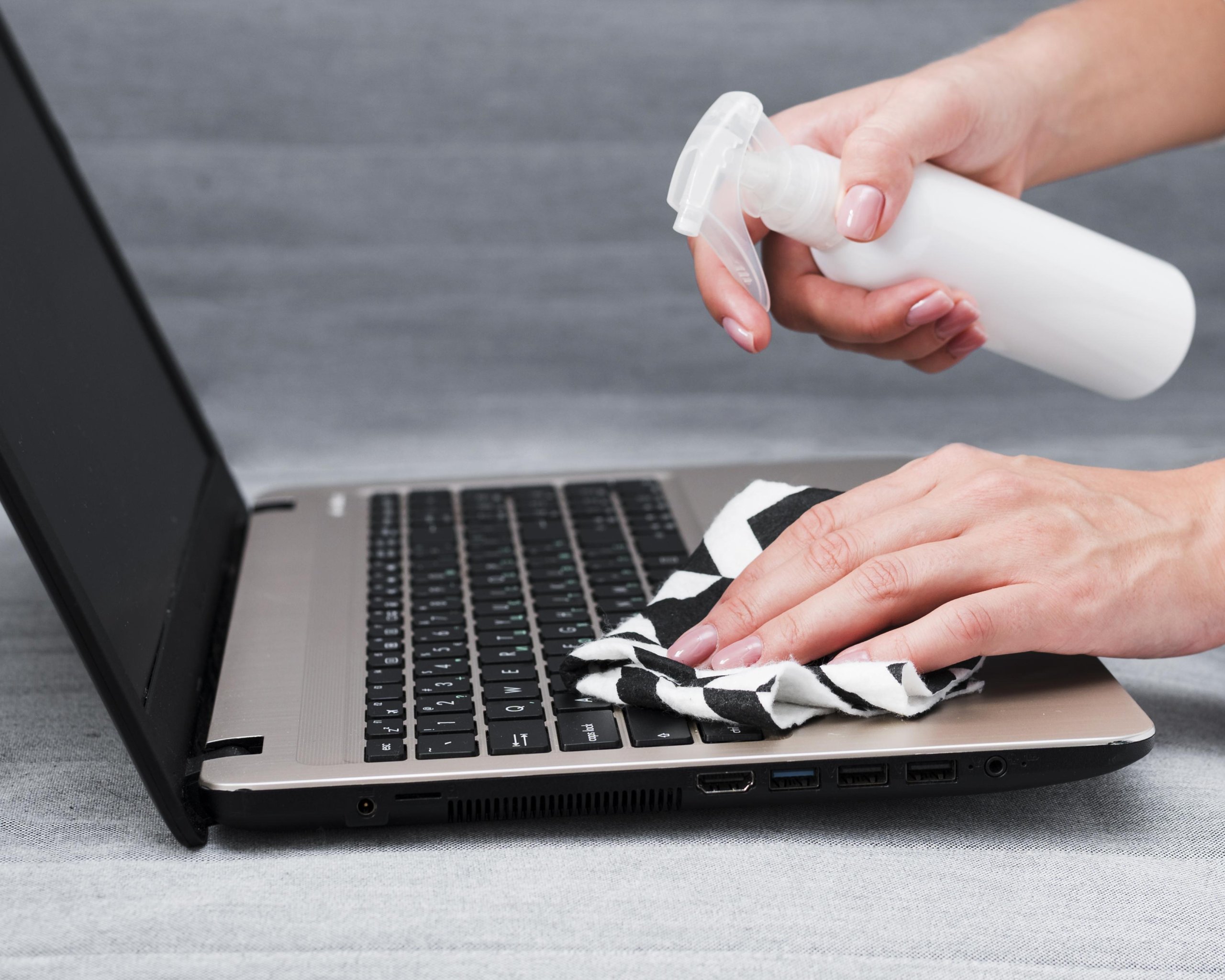
- Damp, Not Wet: Dip the cloth in the cleaning solution and ensure it’s damp but not dripping. Gently wipe the laptop’s lid, base, keyboard, and screen. Avoid excessive pressure to prevent scratches and, more importantly, ensure no liquid enters the laptop.
- Blast Away Dust: Use compressed air or a dust blower to clear dust, crumbs, and debris from between the keys and vents. This helps maintain your laptop’s cooling efficiency, keeping it running smoothly.
- Air-Dry Thoroughly: Let your laptop air-dry completely before turning it back on. You can use a dry microfiber cloth to remove any streaks or smudges on the screen.
- Regular Maintenance: Make laptop cleaning a regular practice to keep it in good shape and prevent health issues associated with using a dirty device.
Conclusion:
Maintaining your laptop’s cleanliness isn’t merely a matter of aesthetics; it’s about preserving its performance, hygiene, and overall lifespan. By following these simple yet effective cleaning steps, you ensure that your laptop remains a reliable companion for work and leisure.
However, laptop care doesn’t stop at cleaning. It’s a holistic approach that includes regular maintenance and support to address any issues that may arise. This is where GEEX, your trusted technology partner, comes into play.

At GEEX, we understand the significance of keeping your technology in peak condition. Our commitment goes beyond offering top-of-the-line laptops and devices. We provide comprehensive services that encompass maintenance, support, and even leasing options to ensure that your technology experience is hassle-free and optimized for success.
With GEEX, you’re not just purchasing a device; you’re investing in a partnership that simplifies technology and empowers you to excel in the digital age. To explore our services and discover how we can assist you in achieving the best from your devices, visit GEEX today. Experience technology the GEEX way – where your success is our priority.