
Home › Back To The Start…
Back To The Start…

GEEX
•
The most significant update to Windows 8 has arrived in the form of Windows 8.1, code-named “Windows Blue”.
So what can Windows 8.1 provide you with?
Windows 8.1 has brought back the iconic start button, in some form. The start button can now be found in the classic desktop that Windows have maintained since Windows 95. However, the start button is not reverting to its old ways, now the metro start screen will be present instead. The addition of the metro start screen causes you to spend less of your time in the desktop mode than ever before.
The metro start screen is not the only new feature, now Snap Mode allows you to have 3 apps on one screen and to be able to work on two on screen instances at once.
The new Windows PC settings feature eliminates the constant flickering between the PC settings and the control panel, to configure and customise your Windows.
The new start screen now has the ability for you to view your installed apps, on a variety of different sized tiles. The apps which you find are your favourites to use can be separately viewed in the primary view. “Windows Blue” will now allow you further control over the presentation and use of your apps on your computer.
The search feature is also far more encompassing than before. The improvement to the search feature can now return apps, files, Bing results and much more. There is also an Internet explorer11, which allows for deeper integration of Microsoft’s Skydrive system storage and the ability to log into any windows 8 computer with your Microsoft account and have available all your settings.
Have Microsoft pleased or displeased their sceptics? Current users of the Windows 8 system will likely to be happy to receive Windows 8.1 update. The majority of who may be intrigued by the new layout and more personal features. However, to some extent, Microsoft haven’t pleased their sceptics, many sceptics believe Microsoft are playing a long term game, which will result in the transition of a greater number of people to the windows 8 system, through further updates.
How to Choose the Right Supercar for Your Personality

GEEX
Lorem ipsum dolor sit amet, consectetur adipiscing elit. Ut elit tellus, luctus nec ullamcorper mattis, pulvinar dapibus leo.


IT Support
GEEX One - IT Support, Cyber Security & Training
From £50 per seat per month
Leasing
Device Leasing — Laptops, Desktops, Apple Mac
From £1.43 + VAT per week
20+ Years in Business
Trading since 2004. We have seen every kind of IT failure and know how to stop it before it starts.
1,000+ Clients
From accountancy firms to architectural practices. West Midlands and beyond.
700+ Endpoints
Managed and monitored.
Growing to 1,000.
FCA Regulated
We’re regulated so your lease is straightforward, protected, and professionally handled.
20+ Years in Business
Trading since 2004. We have seen every kind of IT failure and know how to stop it before it starts.
1,000+ Clients
From accountancy firms to architectural practices. West Midlands and beyond.
700+ Endpoints
Managed and monitored.
Growing to 1,000.
FCA Regulated
We’re regulated so your lease is straightforward, protected, and professionally handled.
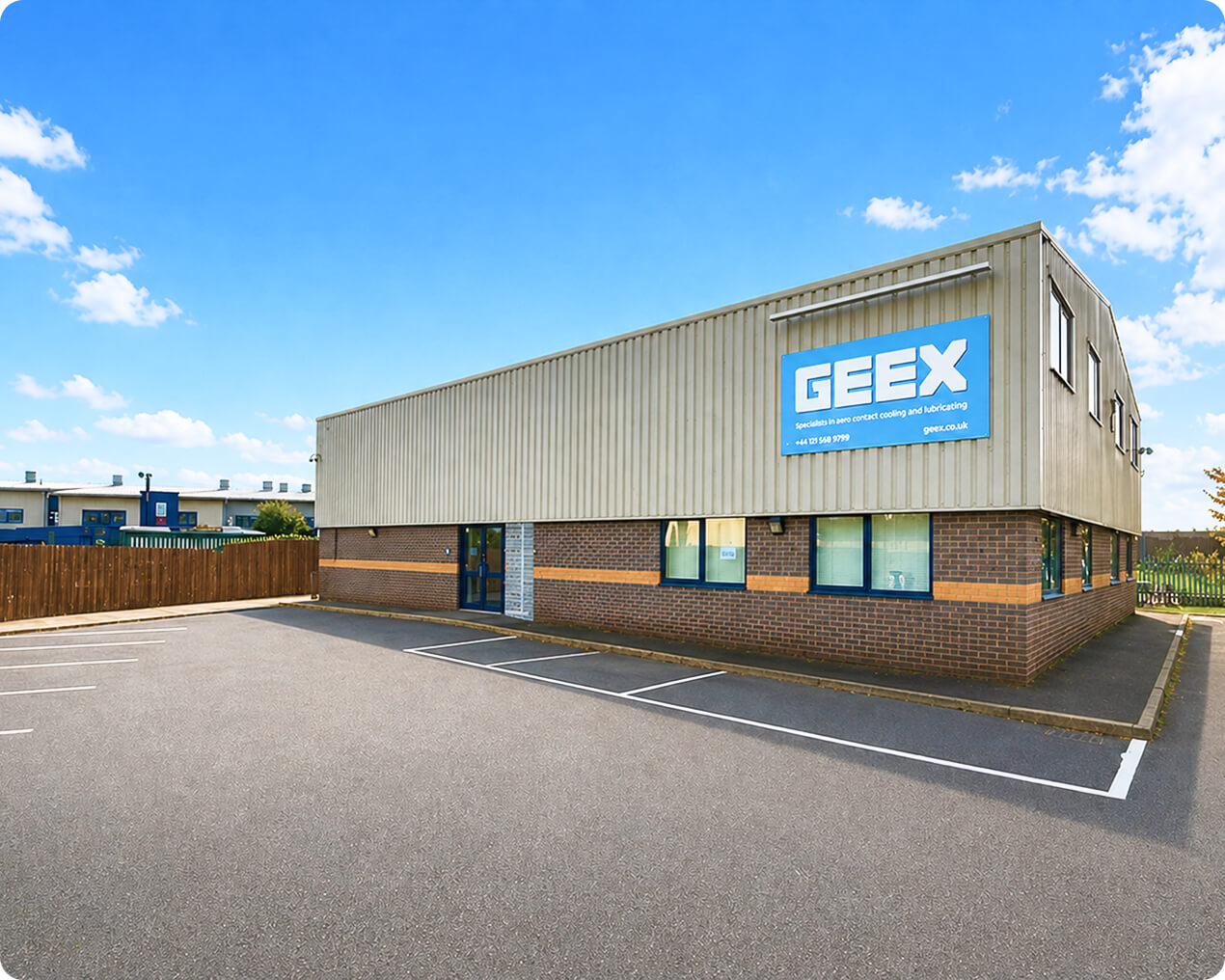
Let Us Show You What Two Decades of IT Experience Looks Like
A conversation costs nothing. Tell us what your current IT looks like and we will tell you honestly whether we can improve on it — and what it would cost.